While lab-generated .ies files remain the gold standard for many high-precision applications, high-fidelity .ies files suitable for general architectural lighting design can be generated using industry-recognized optical modeling software and physically-based ray tracing methods.
What is Simulated Photometry?
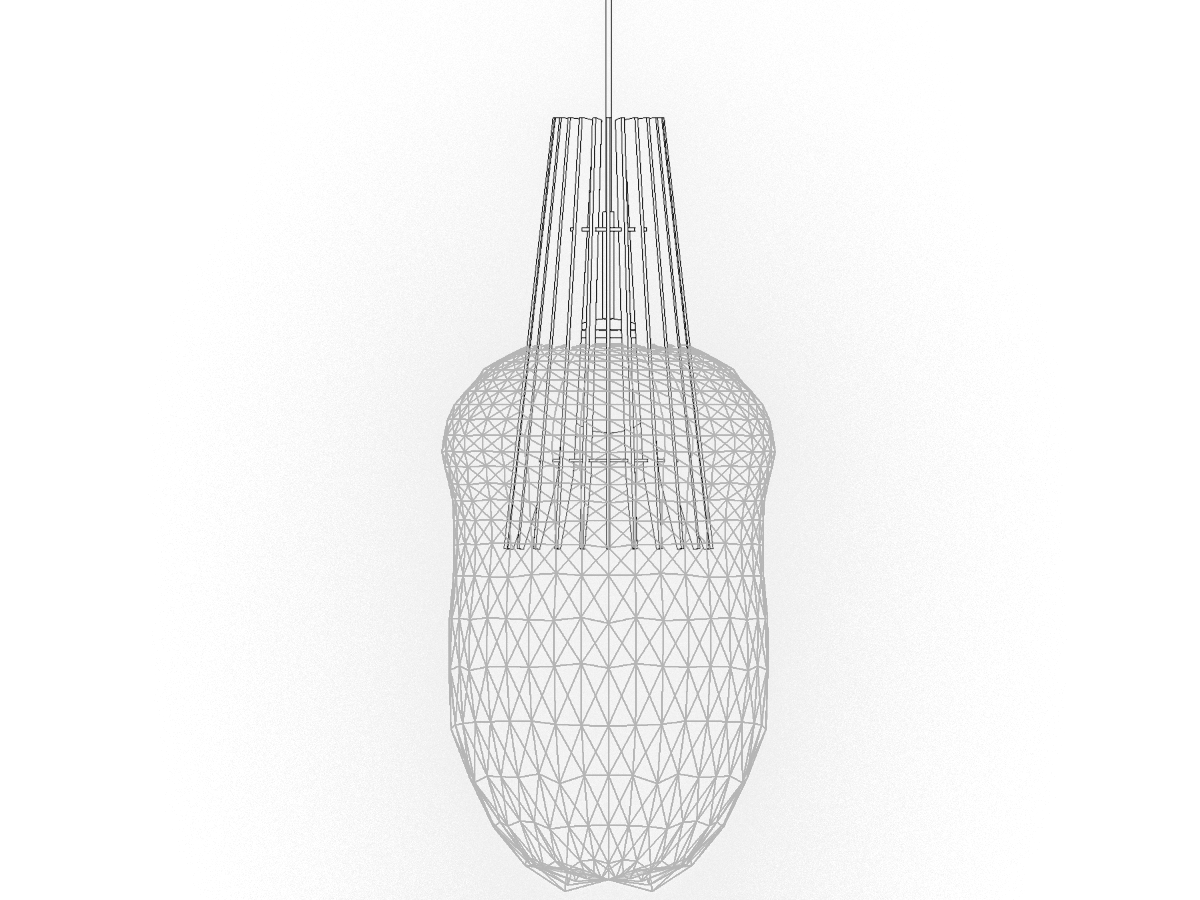
Simulated photometry predicts a luminaire’s light distribution by modeling its LEDs, optics, reflectors, and housing in a virtual 3D environment, rather than testing the physical luminaire in a lab. Accurate simulation is achieved by applying material properties that include reflectance, refraction, transmittance, and scattering to a detailed luminaire model, then using advanced ray-tracing algorithms to calculate expected photometric performance.
Simulated photometry software, such as LTI Optics’ Photopia® and Keysight Technologies’ LightTools® , export standards-compliant photometric files including LM-63 (.ies) and EULUMDAT (.ldt) formats.
Why Use Simulated Photometry?
Laboratory photometry remains the gold standard for regulatory programs such as ENERGY STAR® and DLC certification and resulting photometric data can be crucial for applications requiring very precise lighting analysis. However, lab testing is time-consuming, costly, and dependent on equipment calibration and the quality of the specific luminaire sample being tested.
Simulated photometry provides design-ready photometric files suitable for general architectural and decorative lighting applications. Manufacturers use simulated photometry to:
- generate accurate .ies files before physical production
- evaluate beam distribution, cutoff, shielding, and visual appearance
- reduce development time and prototype costs
- provide usable photometry for AGi32®, LightStanza’®, DIALux evo®, and BIM workflows
- support client presentations and lighting layouts
In most general architectural and decorative lighting design use cases, high-quality simulated photometry performs indistinguishably within lighting calculation software, enabling faster specification and decision-making.
Requirements to Generate an .ies File
To generate photometric data for luminaire development and architectural lighting specification (.ies workflows) with Photopia, Vela Photometrics requires:
- CAD models of full luminaire assemblies, ideally in STEP format
- LED specifications (package or board type, luminaire input lumens, and total system wattage for LEDs and drivers)
- specifications of materials with which the light interacts (housing, reflectors, lenses, etc.) *
*Photopia has an extensive material library, but in some cases, a sample may need to be sent to the lab for measurement.
Learn More and Receive Support
For more information and quotes—including bundled .ies file generation with Revit® luminaire modeling— contact Vela Photometrics.