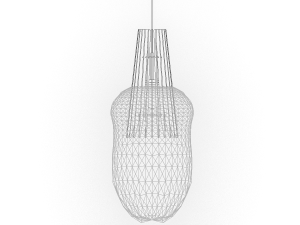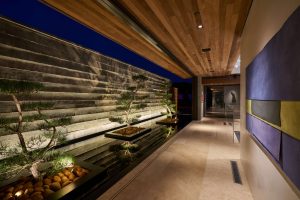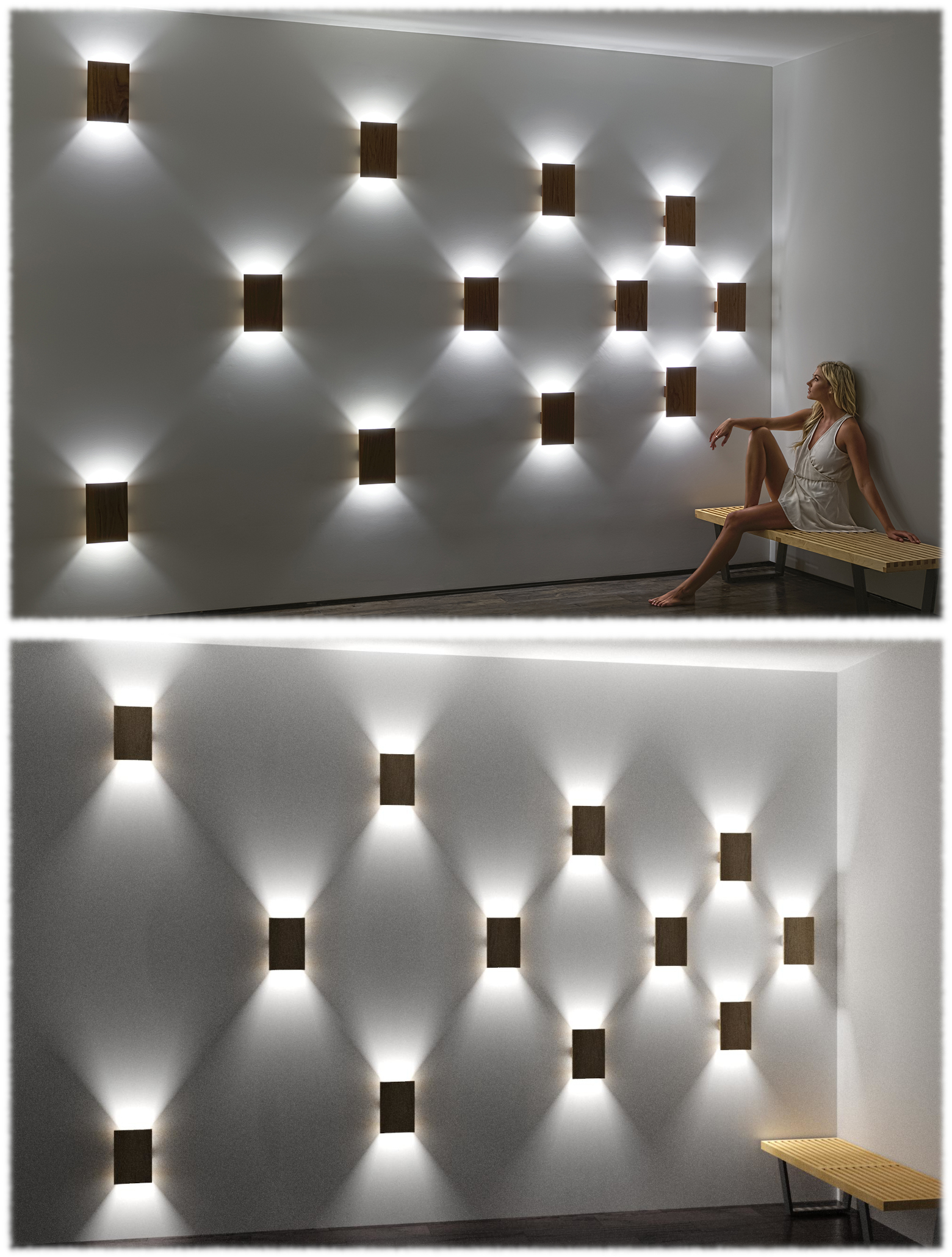
A complete Revit luminaire family can be used for design documentation, artistic renderings, and photometric calculations. One family file can contain all variations of a model.
What is a Revit Luminaire Family?
A Revit family is a parametric 3D model of a building component (like a luminaire (or light fixture), door, or chair) that contains its geometry, materials, and adjustable properties for use in a Revit project.
In the case of luminaires, a complete Revit family also contains the photometric data (.ies files) and electrical information for all product variations and, where applicable, can be resized to match the desired run length.
Why Do Luminaire Manufacturers Have Revit Families
Manufacturers provide Revit families of their products so architects, engineers, and designers can easily place and specify their products directly in BIM models, making them more likely to be selected for real projects.
For lighting calculations, this workflow offers advantages over traditional methods using software such as AGi32 or Visual , which require creating a separate building model and manually defining luminaires with photometric data in a stand-alone environment. This process can be time-consuming and prone to coordination issues with the rest of the project team, who are typically working from the same, complete, interdisciplinary Revit model through Autodesk Construction Cloud.
Revit Families offers:
- seamless integration of product order information into schedules
- streamlined inclusion of products in realistic renderings during design development
- interoperability with modern lighting calculation tools like LightStanza, ElumTools, and DIALux evo (via IFC export)
Requirements to Create a Revit Family
To create a Revit family, Vela Photometrics needs the following luminaire details:
- dimensions, which can usually be pulled from existing 2D shop drawings or 3D CAD models
- material, mounting, driver, and optical variations and order codes, with a spec sheet often being enough
- photometric files (.ies) of all major driver and optical variations
*if photometric files are unavailable, Vela Photometrics can generate them without a lab, via simulated photometry.
Learn More and Receive Support
For more information and quotes—including bundled Revit family creation with .ies file generation—
contact Vela Photometrics.